
DOCUMENTATION · PRODUCT REFERENCE
Find the answer, then do the work.
A concise index of connection steps, real capability limits, usage rules and trustworthy product sources.
The public docs, WordPress product pages and your connected account are different sources. Account-specific values come only from the live MCP connection.
● Connected workflow
Where should I start?
Open the practical page matching your question, or check the public GitHub documentation.
01
Connection guide
02
Capability limits
03
Usage and support
Browse topics
All links point to existing pages or public reference documents.
GET CONNECTED
Install, copy the MCP URL, sign in
Exact WordPress plugin path and current ChatGPT/Claude connection instructions.
SUPPORTED WORK
Capabilities and real limits
WordPress content, Gutenberg, Elementor, Yoast, maintenance, global settings and known gaps.
DAILY LIMITS
Free, Welcome and monthly bonuses
Approved launch allowances: Free 40 jobs/day, Welcome 100 jobs/day for 9 days, plus 2 × 20 monthly activatable bonuses. Current live limits may differ until rollout; My Account shows your actual balance.
TROUBLESHOOT
Help and first prompts
Site not visible, missing tools, permission errors, first read-only task and human support.
TECHNICAL
Architecture and permissions
Public reference for MCP, the WordPress-side plugin, site ownership and verified execution.
RELEASES
Public changelog
User-facing, dated milestones. These are not a universal compatibility or WordPress.org listing claim.
Short glossary
These terms appear in WordPress and the AI assistant when working with MiraQlum.
MCP — Model Context Protocol
A standard used for connecting AI clients to external tools. MiraQlum exposes one remote MCP connection; the WordPress plugin itself does not become a separate MCP server for each feature.
Connector plugin
The thin WordPress-side component connects the service to supported native WordPress operations under existing permissions. WordPress security protections remain enabled; the supported MiraQlum workflow does not provide a general administrator-account editor or arbitrary PHP, SQL or shell execution.
Site pairing and account authorization
A website is bound to an authorized MiraQlum account. AI client OAuth sign-in is a separate step; both must refer to the intended account.
One task request, verified result
Your clear request is the go-ahead for one permitted, bounded WordPress task. MiraQlum checks the site, exact target and permissions internally, then performs and verifies the necessary steps without repeated MiraQlum approvals. A new out-of-scope or higher-risk operation may need a fresh decision; AI-host tool permissions are separate.
PLAN_GAP
A specific operation has been discovered or requested but cannot yet be safely performed with the available native capability and verifier. Other supported operations remain usable.
Usage unit
An eligible operation within the account allowance; it is not the same as an AI token, an arbitrary prompt count or one complete website.
Reference documents
These GitHub references are public, but they are dated snapshots. The current account balance and live capabilities must be read from the connected service.
WordPress Connector documentation
Plugin distribution status, site-side integration and source availability.
MIRAQLUM OPERATOR JOURNAL
Latest insights and WordPress MCP guides
Product updates, real WordPress workflows and practical guides from the MiraQlum team. Browse our latest articles, with genuine examples you can explore.
-
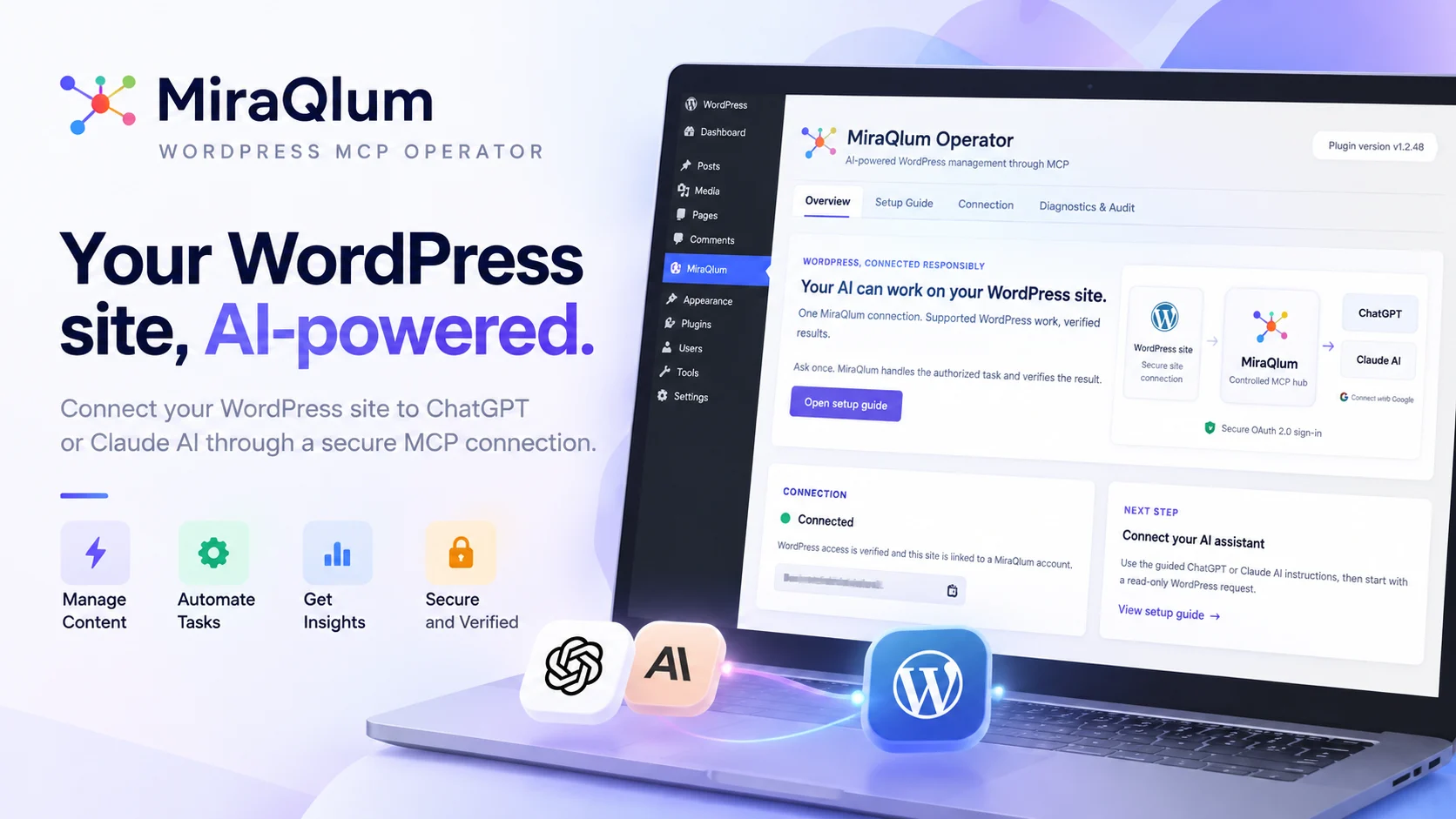
Meet MiraQlum Operator: AI-Powered WordPress Management with MCP
Discover MiraQlum Operator, the WordPress MCP connector for ChatGPT and supported AI assistants. Explore real workflows, native editing and verified WordPress results.
Documentation status
The WordPress.org listing and public installation package are not yet approved. The public GitHub project is documentation, not the installable Connector ZIP. For up-to-date allowances, always check the connected account in the MCP service; public documents are dated reference snapshots.